
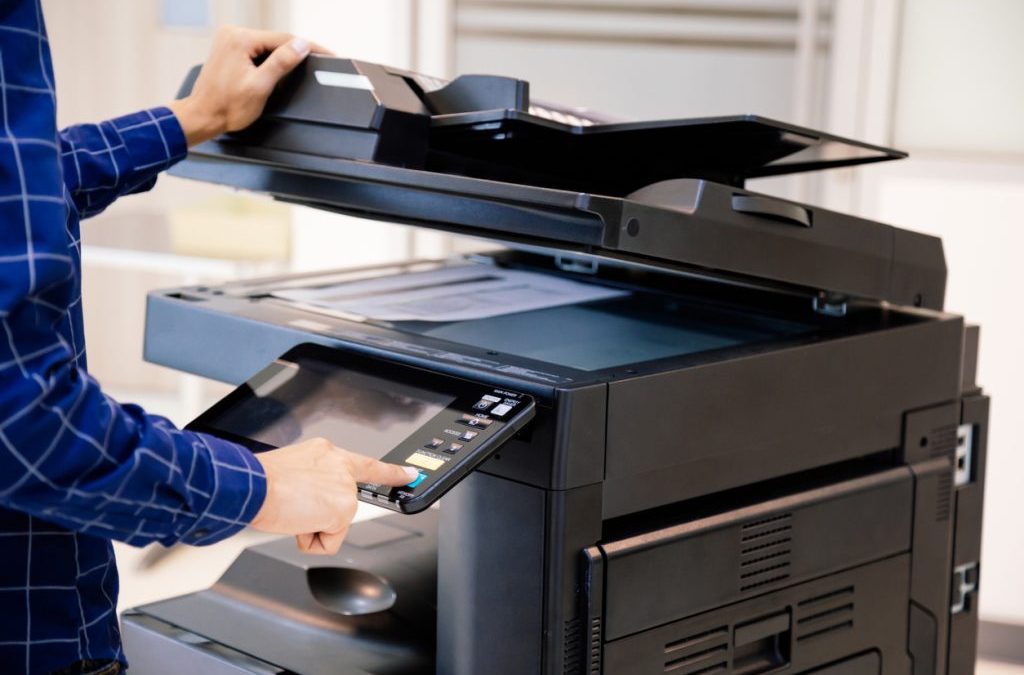
Choosing an office photocopier can become complicated surprisingly quickly. Machines that look similar can differ significantly in print speed, paper capacity, scanning, security, connectivity and the number of people they are designed to support.
The best approach is to start with your office rather than a particular make or model. Think about who will use the machine, what they produce and which functions they rely on every day. From there, it becomes much easier to identify a photocopier that fits the job without paying for capacity or features your team is unlikely to use.
Which Photocopier Should You Choose For Your Office?
The important thing is to base the decision on the documents your team produces regularly, rather than selecting features simply because they are available or sound fancy.
A4 May Be All You Need
If your office mainly produces standard documents such as reports, contracts, letters, invoices, and forms, an A4 multifunction device may provide everything required. For many smaller and medium-sized offices, A4 covers the overwhelming majority of daily document requirements.
A4 equipment can also have a smaller footprint, which may suit businesses with limited office space. If no one in the business regularly works with large documents, paying for A3 capability may add little practical value.
Choose A3 If You Regularly Use Larger Documents
A3 capability becomes more useful where larger documents form part of normal business activity. This might include plans and diagrams, large spreadsheets, educational material, posters, internal notices or marketing documents.
The keyword is regularly. If your business only needs to produce an A3 document once or twice a year, that alone may not justify making A3 capability a central requirement of your everyday office machine.
Mono Works Well For Text-Heavy Offices
A mono photocopier may be enough where most output consists of black-and-white business documents. Accounts, administration, legal teams, and other document-heavy departments may have little need to produce colour regularly.
Choosing mono equipment where colour is genuinely unnecessary can simplify the specification and focus attention on the features the team actually uses, such as speed, scanning and paper capacity.
Colour Makes Sense When It Adds Value
Colour can be important for proposals, presentations, charts, reports and customer-facing documents where visual clarity or branding matters. It can also be useful for teams that regularly produce sales or marketing materials.
Rather than simply deciding that the business wants a colour machine, consider how frequently colour is used and which departments need it. In some workplaces, one appropriately positioned colour device may make more sense than providing colour capability everywhere.
Start With What Your Office Needs From A Photocopier
Before comparing specifications, consider how printing and document handling currently work in your business. Consider how many people will share the machine, how frequently they use it and whether there are particular times of day when demand becomes much higher.
A five-person office producing a few documents throughout the day has very different requirements from 30 employees relying on the same device during busy periods. The larger office may need more speed and paper capacity even if its total monthly print volume is not dramatically higher.
Print volume matters, but it should not be considered in isolation. Two offices could produce a similar number of pages each month while using their equipment very differently. One may have two people completing several large print runs, while the other has dozens of employees sending smaller jobs throughout the day.
If you already have a photocopier, current meter readings can give you a useful indication of existing print and copy volumes. Toner usage and previous service information can also help build a clearer picture of how heavily the machine is being used and whether the current equipment is coping comfortably.
It is sensible to allow for realistic business growth too. You do not want equipment that is already operating near its limits on the day it arrives, but there is equally little benefit in paying for significantly more capacity than the office is likely to need.
How Much Speed And Capacity Does Your Office Need?
Photocopier specifications often advertise print speed in pages per minute, or PPM. While this is an important figure, choosing the machine with the highest number does not automatically mean you are choosing the best photocopier for your office.
For a small team producing short documents occasionally, extremely high print speeds may add little practical benefit. In a busy office where numerous employees share one machine, however, speed becomes far more important because several jobs may be waiting in the print queue at the same time.
Think about when printing takes place, as well as how much is produced. If several departments regularly send large jobs during the same periods, an underspecified machine can quickly create delays.
Paper capacity also matters. Larger trays can reduce the amount of time staff spend replenishing paper, particularly in workplaces where the photocopier is used throughout the day.
For a busy workplace, useful capacity may include:
- Faster Output: Larger print jobs spend less time holding up other users.
- Larger Paper Trays: Staff do not need to stop and refill the machine as frequently.
- Higher-Capacity Consumables: Toner changes may occur less frequently during regular use.
- Better Document Handling: Larger copying and scanning jobs can be processed more efficiently.
The aim is not to buy the fastest photocopier available. It is about choosing enough performance for the office to work comfortably without paying for capacity that offers little everyday benefit.
Businesses operating multiple devices may also benefit from examining usage across the entire fleet rather than specifying each machine in isolation. Our managed print services can help businesses assess broader print requirements when multiple printers or multifunction devices are involved.

Think Beyond Printing: What Else Will The Photocopier Need To Do?
For many workplaces, the photocopier is also the main scanning and document-handling device. Employees may spend just as much time scanning paperwork into digital systems as they do producing printed copies.
That means printing is only one part of the specification. Looking at how documents move through the business can often reveal which multifunction features will make the biggest difference to everyday work.
Copy And Scan
If employees regularly scan contracts, invoices, forms or other multi-page documents, scanning capability deserves just as much attention as printing. A machine that prints quickly but makes document scanning awkward may still slow the team down.
An automatic document feeder can make a significant difference by allowing a stack of documents to be processed without placing every page on the scanner glass individually. This is particularly useful for administration-heavy teams handling multi-page paperwork throughout the week.
Double-Sided Documents
Duplex printing allows the machine to print automatically on both sides of the paper. This can help reduce manual handling and is useful for businesses that regularly produce double-sided reports, contracts or internal documents.
Duplex scanning is also worth checking if employees regularly digitise double-sided paperwork. Without it, scanning larger document packs can become much more time-consuming.
Scan To Email And Network Folders
Think about what happens after a document has been scanned. Does it need to be sent directly to an employee or customer, or saved to a shared network location for others to access?
A photocopier configured for those workflows can eliminate several unnecessary steps in routine office tasks. The right scanning setup can be just as valuable as faster printing when documents need to move quickly between paper and digital systems.
Mobile And Network Printing
Modern offices may have employees working from desktops, laptops and mobile devices. Some businesses may also have hybrid workers who move between different desks or locations.
Before choosing equipment, establish how staff need to connect and whether the machine must work with the existing network or cloud systems. Compatibility is much easier to address before installation than after the photocopier has arrived.
Which Extra Photocopier Features Are Actually Worth Having?
Photocopiers can offer a long list of additional features. The challenge is working out which ones will genuinely save your team time rather than simply making the specification look more impressive.
Multiple paper trays can be valuable if different paper sizes, headed paper or other stationery are used throughout the day. A larger automatic document feeder can make sense for departments scanning substantial document packs on a regular basis.
Secure print can be useful where confidential information is handled frequently, while stapling or finishing functions may save time in an office that repeatedly assembles reports or document packs.
The important point is that every additional feature should address a real, recurring workplace requirement. There is little value in paying for advanced finishing functions if your team only produces ordinary office documents and is unlikely to use them.
When comparing machines, ask how often a feature will actually be used. If nobody can identify a regular need for it, it probably should not be one of the main reasons for choosing that particular photocopier.
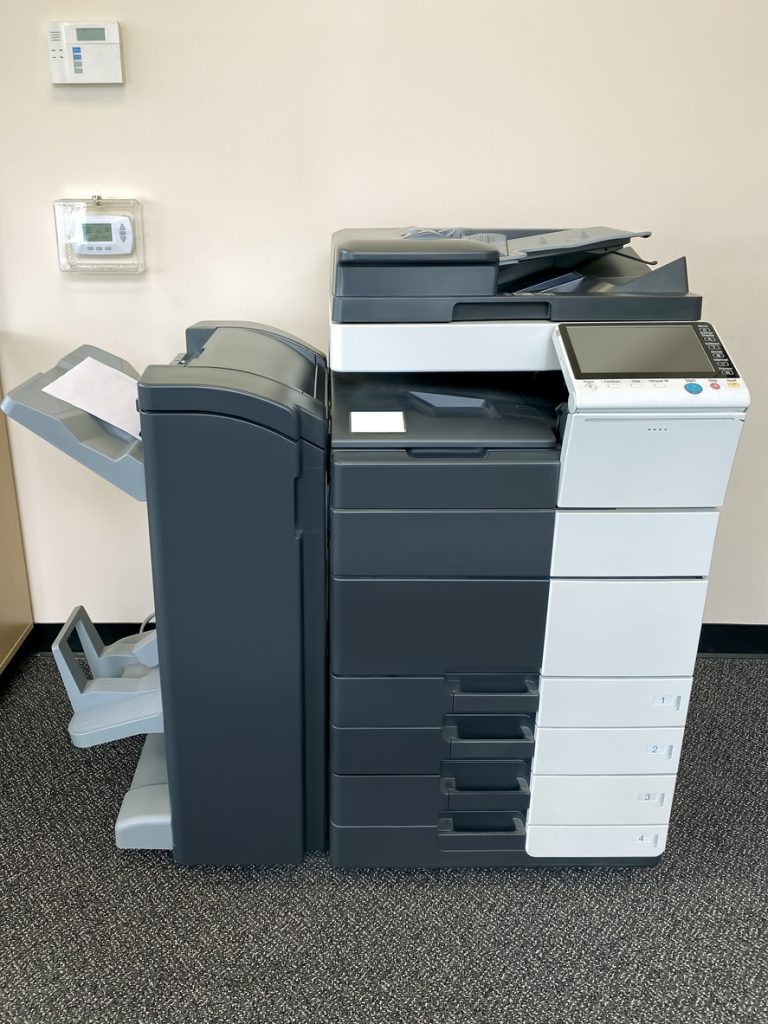
Don’t Forget Connectivity, Security And Office Space
Headline specifications such as print speed and paper size tend to receive most of the attention, but some of the less obvious practical considerations can have just as much influence on how well the machine works once installed.
Connectivity
Confirm that the photocopier can work with the systems your employees actually use. This may include network printing, scan-to-email, shared folders, mobile devices and other document workflows.
If there are specific software, network or scanning requirements, raise them before installation. That gives the supplier a much better opportunity to recommend and configure suitable equipment from the beginning.
Security
Photocopiers can process sensitive business information, including legal documents, employee records, financial information and customer details. For some organisations, document security therefore needs to be part of the equipment specification rather than an optional extra.
Depending on the organisation, features such as user authentication or secure printing can help reduce the risk of confidential documents being produced and left unattended. The right security requirements should reflect the information your business handles and how employees use the machine.
Office Space
A photocopier also needs to fit comfortably in the workplace. It is worth considering floor space, access routes, and sufficient clearance to properly open paper trays, document feeders, and service panels.
Location within the office matters too. Placing one central device a long walk from the employees who use it most frequently can undermine some of the efficiency gained from choosing the right specification in the first place.
The Photocopier Is Only Half The Decision
A good photocopier can still become frustrating if there is poor support behind it. The machine may be perfectly suited to the workload, but that becomes far less valuable if employees cannot get help when a fault or configuration problem appears.
Before choosing a supplier, look at what happens after the equipment arrives. Find out whether the machine will be installed and connected to your network, whether employees can receive help with key functions, and how toner and other consumables are handled.
You should also understand what happens if the machine develops a fault. Knowing who to contact, how support is provided and what maintenance arrangements are available can be particularly important where several employees depend on the same device every day.
Regular maintenance can help keep equipment working as expected and identify developing issues before they cause larger disruptions. We provide photocopier servicing and maintenance for businesses that need ongoing technical support for their office equipment.
The machine specification matters, but so does the service around it. A photocopier should remain useful after installation rather than becoming another piece of office equipment nobody wants responsibility for.
Should You Buy, Lease, or Rent Your Photocopier?
Once you know what type of machine your office requires, the next decision is how to acquire it. There is no single method that works best for every business, so the right option depends largely on how long the equipment will be required and whether ownership is important.
| Your Requirement | Option To Consider |
| You want to own the equipment | Purchase |
| You have a stable long-term requirement | Lease |
| You want to spread the equipment cost | Lease |
| The requirement is temporary | Rental |
| Your future needs are uncertain | Rental may provide greater flexibility |
Purchasing
Buying may suit a business that wants outright ownership and is comfortable paying for the equipment directly. It can provide a straightforward route where the specification is unlikely to change and the business expects to keep the machine for a longer period.
Ownership also means considering how maintenance, repairs and eventual replacement will be handled. The purchase price should therefore be considered alongside the longer-term responsibility for the equipment.
Leasing
Leasing can suit offices with a stable, long-term requirement that prefer to spread equipment costs rather than purchase it outright. It can also give a business a clearer framework for acquiring higher-specification equipment without making the full purchase up front.
We offer photocopier leasing for businesses looking for longer-term equipment options.
Rental
Rental may make more sense when a photocopier is needed for a temporary office, project, or other requirement that may change. It can also be useful where a business is not yet certain what its longer-term equipment needs will look like.
The right acquisition method depends on how long the equipment will be needed, how stable the requirement is and whether outright ownership matters to the business.
What Does The Right Photocopier Look Like For Different Offices?
There is no single photocopier specification that suits every workplace. Looking at common office situations can make it easier to see which features deserve priority and which may be unnecessary.
Small Office
A smaller business may need a straightforward A4 multifunction device with printing, copying and scanning. If only a few people use the machine, extreme print speeds and complicated finishing functions may add little value.
Reliable connectivity, straightforward controls, and sufficient capacity for everyday use may be more important. The aim should be to choose a machine that handles routine work comfortably without adding unnecessary complexity.
Busy Shared Office
A busy workplace needs equipment capable of serving several employees without becoming a bottleneck. Faster printing, greater paper capacity, and efficient document scanning become increasingly important as more people rely on the same machine.
Support matters more, too. If one central device is used across several departments, a fault can affect a large part of the office rather than just one employee.
Accounts Or Administration Team
A department that mainly produces invoices, reports, contracts, and internal records may prioritise reliable mono output and efficient document handling. Colour functions may be far less important than fast scanning and dependable day-to-day performance.
Double-sided scanning and secure printing could also prove valuable where large quantities of financial, employee or customer documentation are handled.
Marketing Or Creative Team
Colour quality may become more important where employees regularly produce presentations, proposals, charts and visual material. A3 capability could also be useful if larger documents form a genuine part of the team’s everyday output.
The key is again frequency. Occasional A3 or colour use alone does not necessarily justify making those features central to the machine specification if they will rarely be used.
Growing Business
A growing company needs enough capacity to accommodate realistic changes in employee numbers and print volume. Choosing equipment that is already close to its limits can mean revisiting the decision sooner than expected.
That does not mean buying the biggest machine available. A better approach is to choose equipment with sensible headroom and discuss future options where staff numbers or document requirements are likely to change substantially.
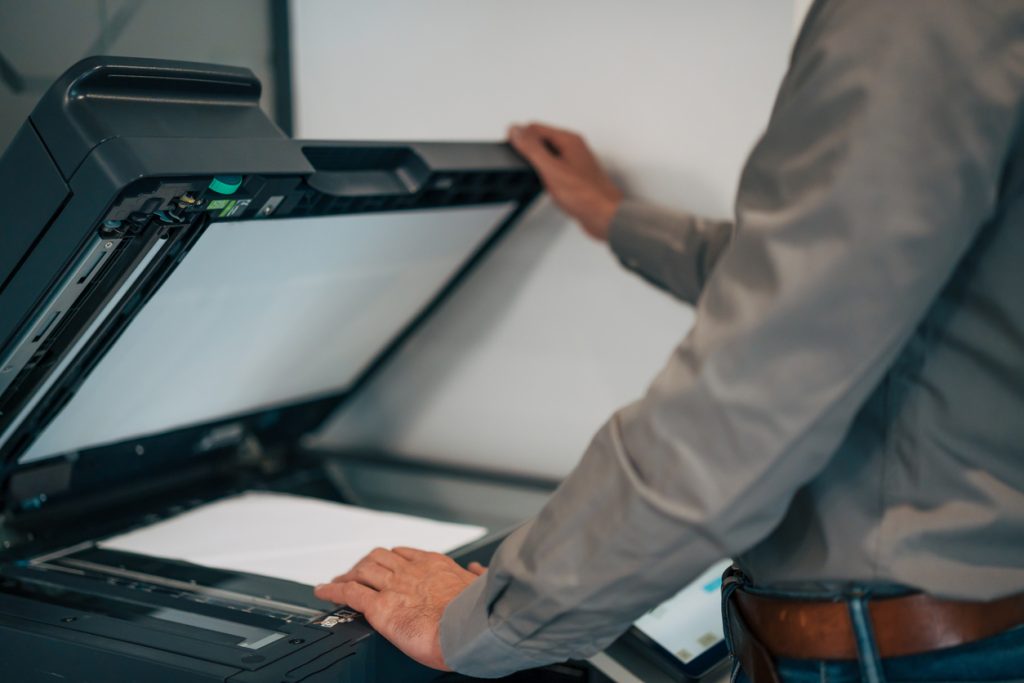
Common Photocopier Buying Mistakes To Avoid
A few common decisions can leave businesses with equipment that does not fit the way they work. Avoiding them can make the selection process considerably easier.
- Choosing On Price Alone. A cheaper machine can prove poor value if it struggles with the required workload, lacks important functions or regularly interrupts staff.
- Buying More Speed Than You Need. Higher PPM figures are useful for busy offices but offer little practical benefit if employees rarely produce large or simultaneous print jobs.
- Automatically Choosing A3. If the office never produces large documents, A3 capability may add size and specifications without addressing a genuine need.
- Ignoring Scanning Requirements. For some businesses, scanning is used just as heavily as copying or printing and should be treated as a major part of the decision.
- Focusing On The Machine But Not The Support. Installation, consumables, maintenance and technical assistance can have a major influence on how smoothly the equipment works over time.
The same principle applies throughout the buying process. Choose the photocopier around the work your employees actually do, rather than allowing an impressive list of specifications to dictate the decision.
Get Help Choosing The Right Office Photocopier
You do not need to arrive with a make, model or complete technical specification before speaking to a photocopier supplier. In most cases, understanding your own workplace requirements is a much better starting point than comparing dozens of similar-looking machines.
Knowing roughly how many people will use the photocopier, how much you print, whether you need A3 or colour and what your team regularly scans is usually enough to begin narrowing down suitable equipment. Any unusual network, security, or finishing requirements can then be discussed as part of the recommendation.
Nationwide Copiers can discuss your office requirements and recommend suitable equipment rather than expecting you to work through photocopier specifications yourself. Whether you are replacing an existing machine, equipping a new office or reviewing equipment that no longer meets your needs, the starting point should always be the same: what does your business need the photocopier to do?
Tell us what your office needs, and get a photocopier quote today.